Online check-in
Check in online 24 hours before departure and receive your boarding pass in advance.
Check in online 24 hours before departure and receive your boarding pass in advance.
In case online check-in is unexpectedly unavailable due to technical reasons, please use the check-in options at the airport counter.
Condor online check-in is available for all departure airports. However, for legal or technical reasons, a mobile boarding pass cannot be issued at the following airports after online check-in: Hurghada (HRG), Agadir (AGA), Cancun (CUN), Punta Cana (PUJ), Santo Domingo (SDQ), Yerevan (EVN), Mombasa (MBA), Haikou (HAK) and Sanya (SYX). In this case, please print out your boarding pass in advance or pick it up at the airport counter free of charge.
Travelers with animals and unaccompanied minors can check in online and enjoy all the benefits, but they must collect their boarding pass exclusively at the check-in counter upon presentation of the following necessary documents:
If your flight booking includes a feeder flight with a partner airline, you need to check in for this flight on the website of the respective airline. Please note that not all airlines offer online check-in.
Please note the check-in deadlines at the airports when checking in baggage. Be at the departure gate 45 minutes before the scheduled departure time. Allow enough time for passport and security checks.
If you and your travel companion have booked different fares (e.g. Economy Light and Economy Classic), online check-in must be done separately. Fare overviews can be found under Classes and Fares for Economy Class, Premium Economy Class and Business class.
Online Check-in with Condor is free.
Yes, Condor online check-in is available for all departure airports. However, for technical reasons, mobile boarding passes cannot be issued at the following airports after online check-in: Hurghada (HRG), Agadir (AGA), Cancun (CUN), Punta Cana (PUJ), Santo Domingo (SDQ), Yerevan (EVN), Mombasa (MBA), Haikou (HAK) or Sanya (SYX). For these airports, please print out your boarding pass in advance or pick it up at the airport counter free of charge.
If online check-in is not available, you can check in for free at the airport counter.
If you have problems with Online Check-in, you can contact the Condor Service Centre.
Generally, online check-in is available for connecting flights if all flights are part of a single booking and operated by the same airline or its partners. For separate bookings or longer stopovers, you might need to check-in again.
Open and print your boarding pass on your computer using Adobe Acrobat Reader. If you haven't downloaded Adobe Acrobat Reader yet, download it for free here.
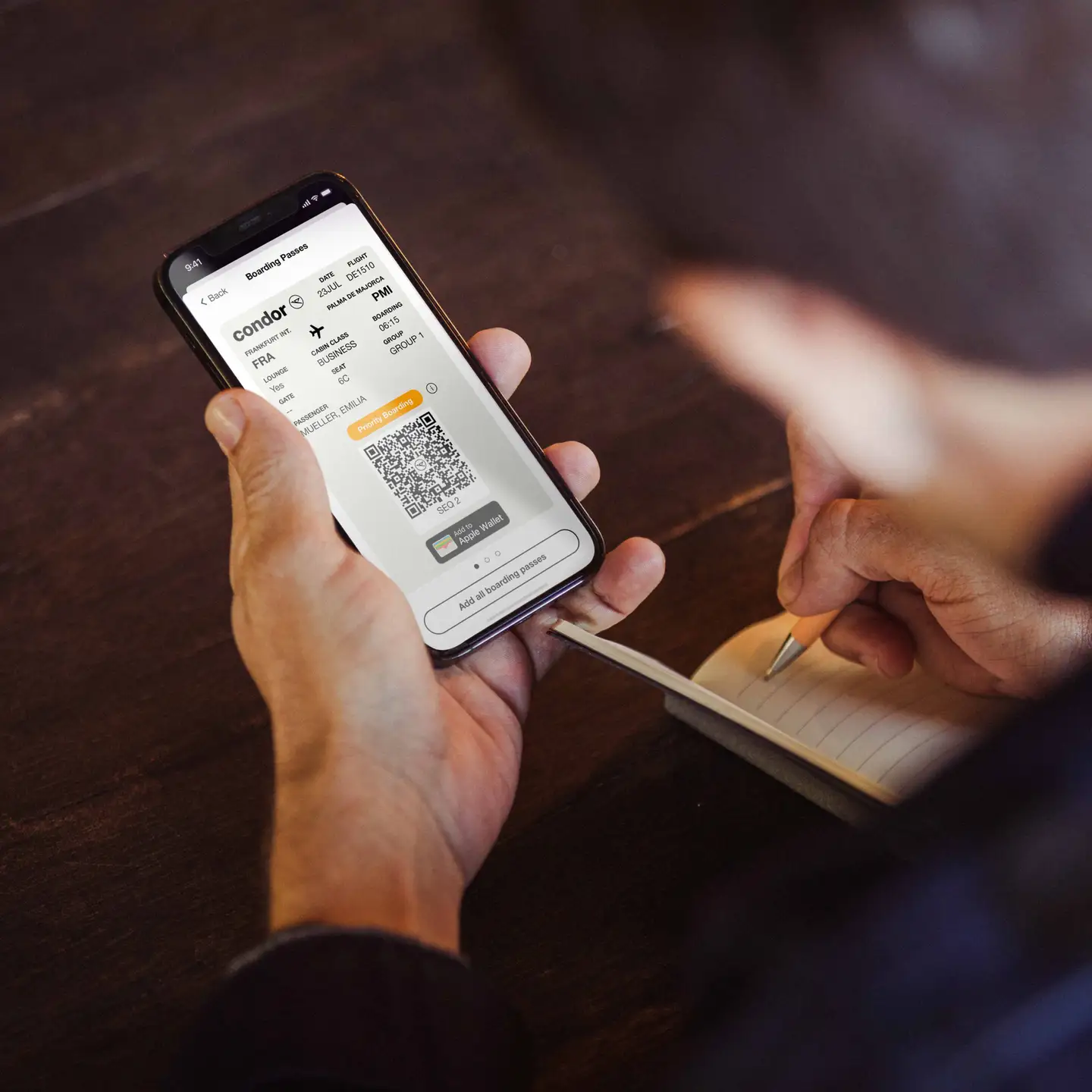
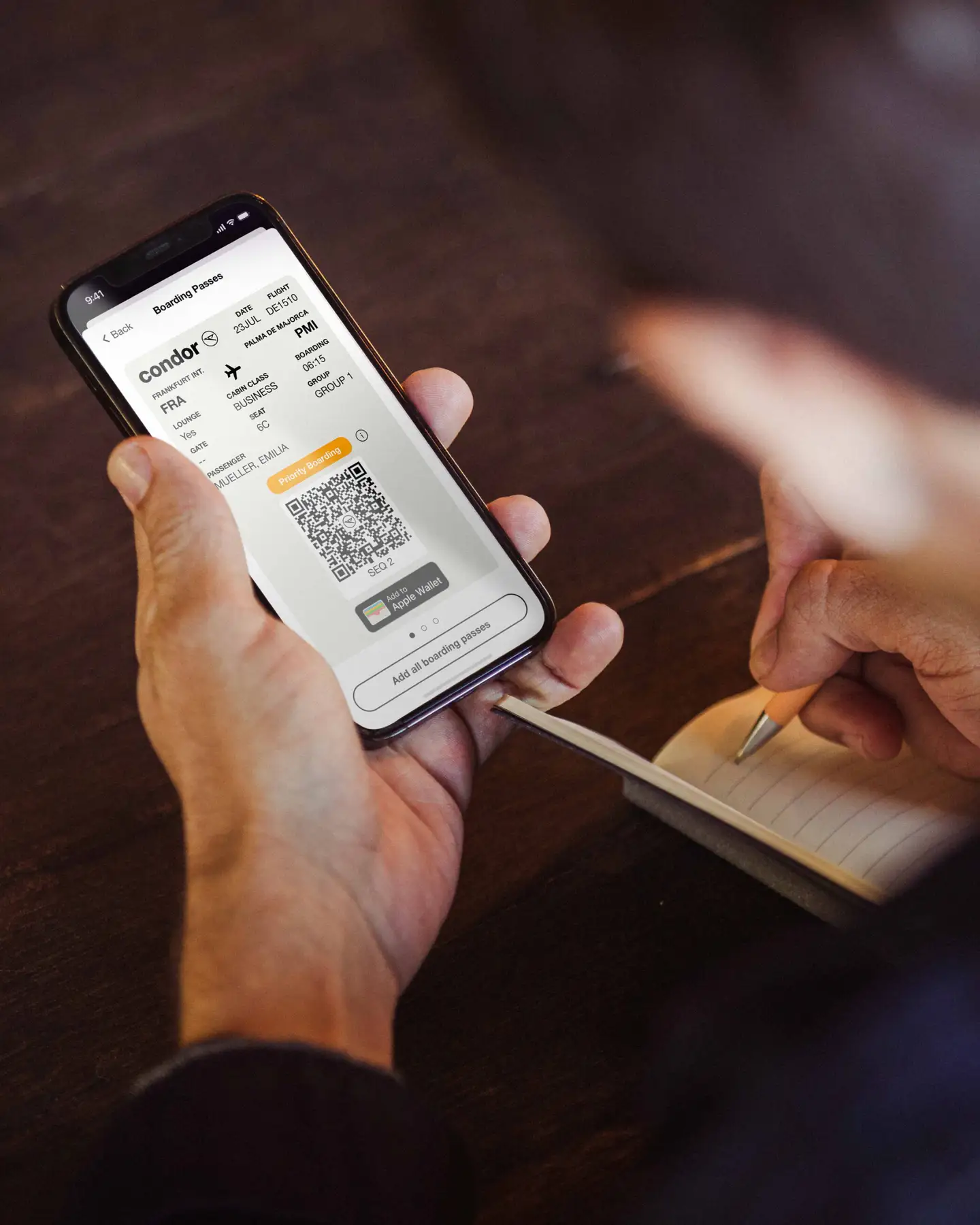
You can also store your boarding pass in your smartphone wallet. Use the link provided in our email after you complete your online check-in. You will then be able to access your boarding pass anytime, without needing to access the internet. You do not need to print out your boarding pass separately.
If you have already checked in online, you can reprint your boarding pass. You will find the boarding pass in the email we sent you after Online Check-in.
If you don't have a printer, that's no problem: Go to the check-in counter at the airport, where they will reprint your boarding pass.
Please first check whether you and your travel companion have booked different fares. You can only check in online together if all passengers booked have the same fare. If you have booked two different fares, you have to check in online separately. For information on our fares for Economy, Premium Economy and Business Class, please see our website.
The Condor online check-in is
Your boarding pass is available right after online check-in on your smartphone, as a download, or to print out. If you are only traveling with carry-on baggage, you can go straight to security with it.
Baggage drop-off machines are also available at selected airports. Here, you can drop off your checked baggage by scanning your boarding pass – without having to wait in long lines at the check-in counter.